Minimal dark syntax theme for Zed
https://zed-themes.com/themes/uqvM7eeLotjIh3686dKp4?name=After%20Sunset
| assets | ||
| after-sunset.json | ||
| LICENSE | ||
| README.md | ||

After Sunset Theme for Zed

Minimal dark syntax theme for Zed

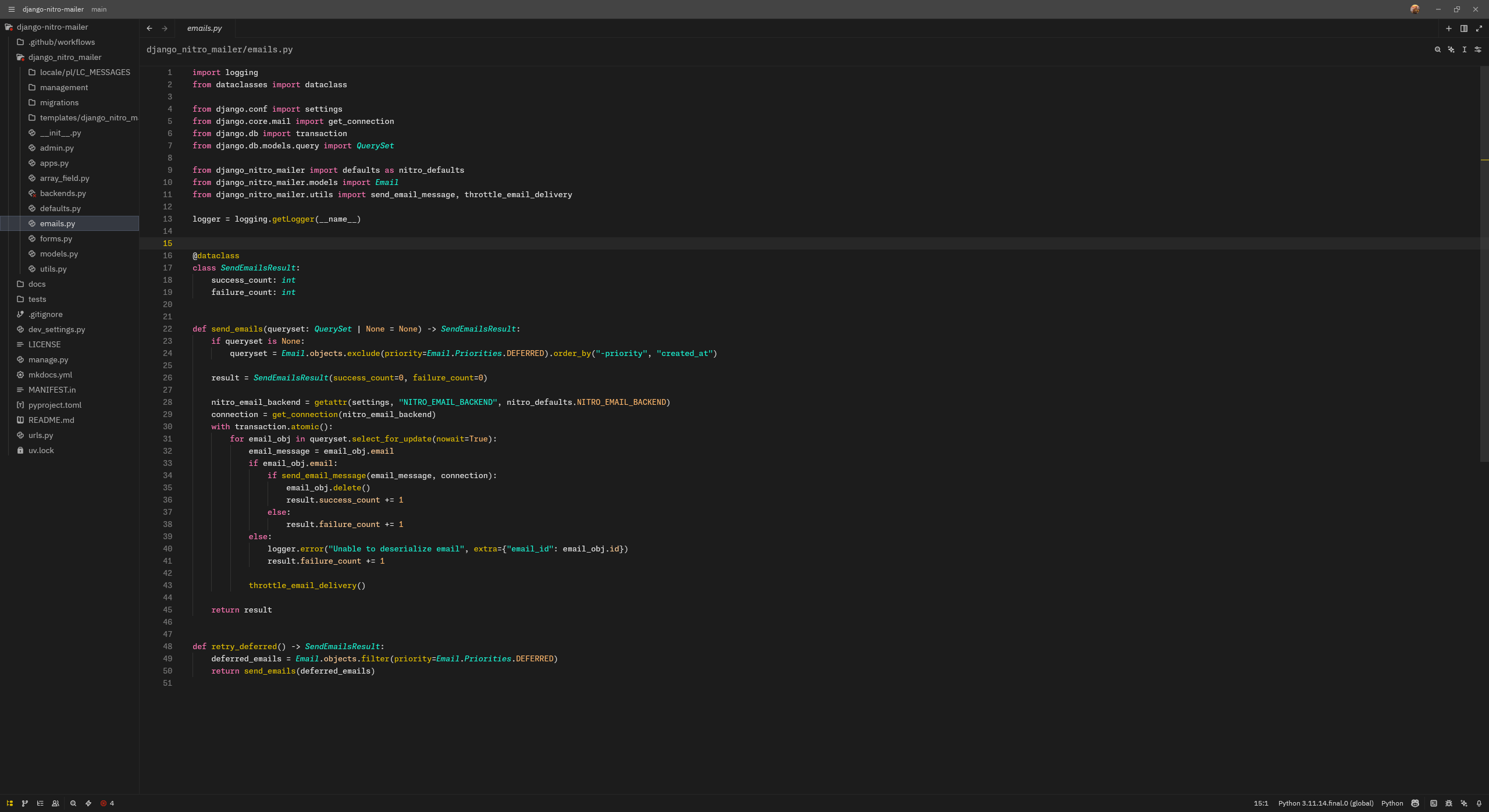
A dark theme for Zed with warm sunset-inspired colors.
Installation
-
Open Zed's configuration directory:
- macOS/Linux:
~/.config/zed/ - Windows:
%APPDATA%\Zed\
- macOS/Linux:
-
Create a
themesdirectory if it doesn't exist:mkdir -p ~/.config/zed/themes -
Copy
after-sunset.jsonto the themes directory:cp after-sunset.json ~/.config/zed/themes/ -
Open Zed and select the theme:
- Open the command palette (
Cmd+Shift+Pon macOS,Ctrl+Shift+Pon Linux/Windows) - Type "theme selector: toggle"
- Search for "After Sunset" and select it
- Open the command palette (
Color Palette
The theme uses a carefully selected color palette:
- Background:
#1c1c1c- Deep charcoal - Foreground:
#d4d4d4- Light gray - Accent:
#e5c100- Golden yellow (primary highlight color) - Strings:
#19f9d8- Bright cyan - Keywords:
#FF75B5- Soft pink - Functions:
#E5C100- Golden yellow - Types:
#19f9d8- Cyan - Constants:
#FFB86C- Warm orange - Comments:
#676B79- Muted gray (italic)
References
- After Sunset VS Code Theme - Original theme for VSCode from which this Zed theme is adapted.
- Zed Documentation on Themes
- Zed Theme Builder
License
after-sunset-zed is under the terms of the MIT License, following all clarifications stated in the license file.